

Finding good audio editing software doesn't always mean spending hundreds of dollars. There are plenty of professional audio programs available, but many of them come with monthly or yearly subscriptions. If you only want to pay once and keep using the software, that can become frustrating.
This is where Soundop Audio Editor is worth looking at. Soundop is a professional audio editing and production application for Windows that lets you record, edit, mix, and master audio from one place. It includes waveform and spectral editing, multitrack recording and mixing, audio effects, batch processing, VST/VST3 plugin support, and several other tools for working with audio.
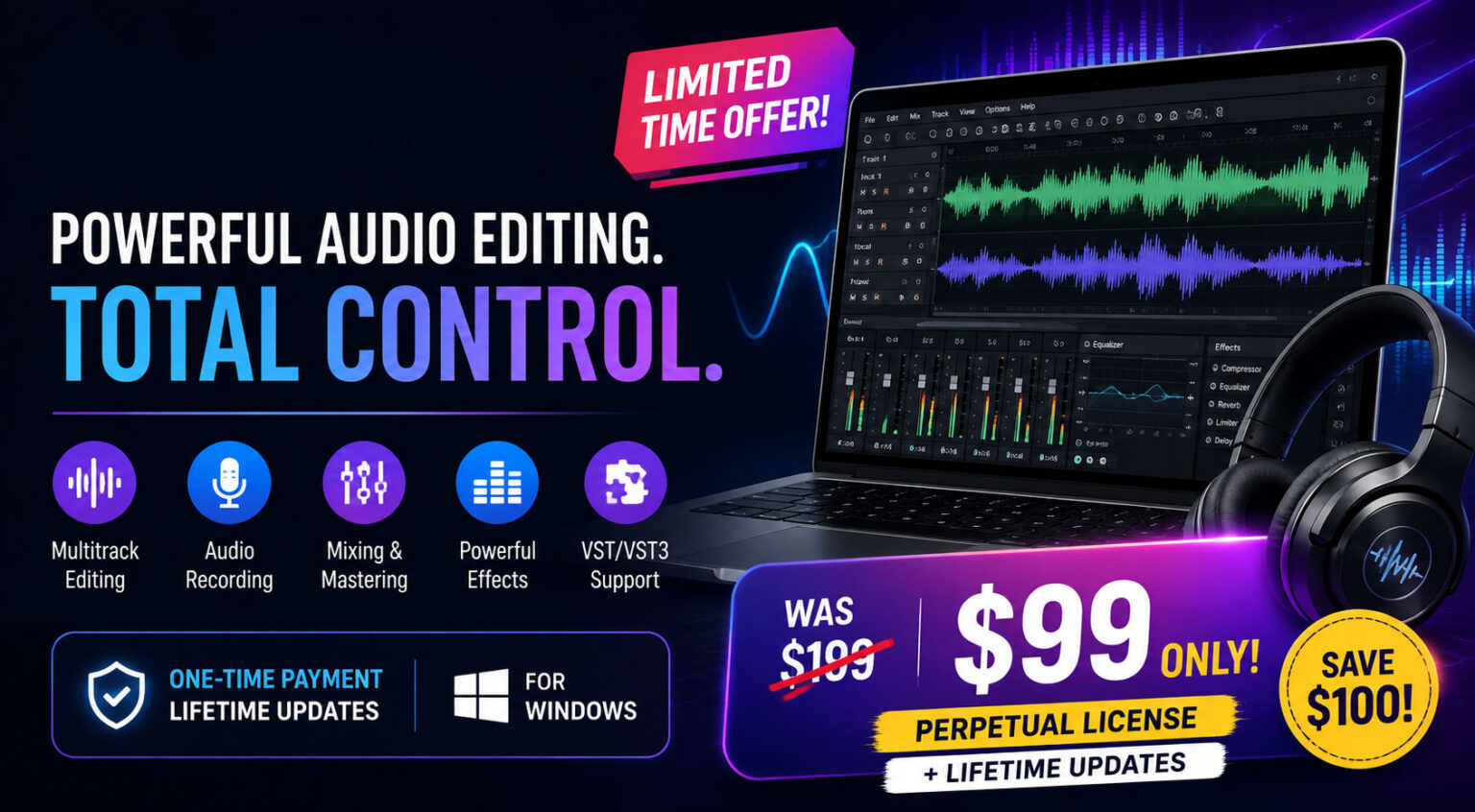
Right now, there is also a limited-time deal on the official Ivosight Store. The perpetual license with lifetime updates is listed at $99 instead of $199. That makes this offer particularly interesting for anyone who regularly works with audio and doesn't want another monthly subscription.
If you're looking for a professional Windows audio editor at a lower one-time price, you can check the current Soundop $99 deal here.
What Is Soundop Audio Editor?
Soundop is a Windows-based audio workstation developed by Ivosight Software. It is designed to handle many common audio production jobs in one application. You can record audio, edit individual files, work with multiple tracks, add effects, mix projects, process multiple files, and export audio in popular formats.
The nice thing about Soundop is that it doesn't feel like a tool made only for one particular type of user. Someone recording voiceovers can use it for cleaning and editing recordings, while a music producer can use the multitrack editor for mixing. Podcasters, content creators, video editors, and people working with audio files can also find useful tools inside the application.
It supports both waveform and spectral editing, while the multitrack editor supports unlimited audio and bus tracks. The software also supports automation, side-chain processing, sends, and automatic latency compensation.
The $99 Lifetime Deal Explained
This is probably the part most people will want to know about.
The official purchase page currently lists the Perpetual License + Lifetime Updates at $99, reduced from $199. In simple terms, this is a one-time purchase rather than a monthly subscription. The page also lists an annual plan at $2.99 per month, a monthly plan at $14.99 per month, and a one-year license for $35.90.
For someone who plans to use Soundop for several years, the perpetual option can be easier to understand. You pay once for the license and don't have to keep paying a monthly fee just to continue using the software.
The official page also says that each license key can be activated on up to two computers simultaneously.
If the lifetime option sounds better for your needs, view the $99 Soundop lifetime offer before the current promotion changes.
What Can You Do With Soundop?
Soundop isn't just a basic audio cutter. It has a fairly broad collection of tools for recording, editing, processing, and mixing audio.
You can use it for things like:
- Voice recording and editing
- Podcast production
- Music production
- Multitrack recording
- Audio mixing
- Audio mastering
- Noise reduction
- Audio effects
- Batch processing
- Spectral editing
- Audio format conversion
- Metadata editing
- CD audio work
- VST and VST3 plugins
The software supports common formats including WAV, MP3, AAC, AIFF, OGG, FLAC, APE, WMA, and others. It can also record using ASIO, MME, WASAPI, and DirectSound devices, with recording up to 24-bit and 192 kHz.
That makes it useful for more than just casual editing.
Multitrack Recording and Mixing
If you work on music, podcasts, voiceovers, or other projects with multiple audio sources, the multitrack editor is one of Soundop's more important features.
You can work with multiple audio and bus tracks, arrange clips on a timeline, add effects, and automate effect parameters. Soundop also supports sends, side-chain processing, and automatic latency compensation.
For example, a podcaster could keep the host's voice on one track, a guest on another, and music or sound effects on separate tracks. A music producer could use different tracks for vocals, drums, instruments, and other elements.
You don't have to keep everything in one audio file. Working with separate tracks gives you much more control over the final mix.
Audio Effects and Plugin Support
A good audio editor should give you enough control to improve the sound rather than simply cutting and joining files. Soundop comes with built-in effects such as EQ, compressor, limiter, reverb, chorus, flanger, phaser, delay, and echo.
It also supports VST and VST3 plugins, so users who already have their favorite third-party effects can use them inside Soundop. The software also supports ARA plugins in the multitrack editor.
This is useful because you aren't limited to the effects that come with the application. You can build your own workflow depending on the kind of audio you're producing.
Waveform and Spectral Editing
For basic editing, the waveform view is probably what you'll use most of the time. You can cut, copy, paste, crop, adjust gain, normalize audio, create fades, remove silence, and apply different processing tools.
Soundop also includes spectral editing, which gives you another way to look at and work with audio. This can be useful when you need more precise control over particular frequencies or want to investigate unwanted sounds in a recording.
For someone who works with voice recordings, interviews, podcasts, or detailed audio cleanup, having both waveform and spectral views can be very helpful.
Batch Processing Can Save a Lot of Time
Here's a feature that may not sound exciting at first, but it can be very useful.
Suppose you have 50 audio files that all need the same processing. Doing them one by one would take a long time. Soundop's batch processor lets you process multiple files using defined processors and save them into your chosen target formats. It can also run multiple instances of the batch processor at the same time.
This can be especially useful for people who regularly work with large numbers of recordings.
For example, if you need to normalize a collection of audio files, convert them into another format, or apply a similar processing workflow, batch processing can save a considerable amount of repetitive work.
Soundop Is More Than a Basic Audio Editor
One thing that stands out when looking through Soundop's features is the amount of functionality packed into the application. It can be used as an audio file editor, a multitrack workstation, a mixing environment, and a batch-processing tool.
It also includes support for audio CDs, metadata, multiple audio formats, customizable workspaces, keyboard shortcuts, and different audio devices.
The interface is designed around different workspaces, so you can arrange the tools you need for a particular type of project. This is useful because audio software can become confusing when every feature is placed on the screen at the same time.
Is the $99 Lifetime Deal Worth It?
For someone who regularly edits or produces audio on Windows, the $99 perpetual license is certainly worth considering, especially if you were already planning to buy an audio editor.
The important difference is that you're not simply getting a cheap basic editor. Soundop includes multitrack editing, recording, mixing, effects, plugin support, spectral editing, batch processing, and several other professional features.
The current official offer is also substantial: the perpetual license is listed at $99, down from $199, and lifetime updates are included according to the purchase page.
Of course, whether it is the right choice depends on your workflow. If you only trim an occasional MP3, you probably don't need this much software. But if audio is part of your regular work, the lifetime option becomes much more interesting.
Get the Soundop Audio Editor lifetime deal for $99
Who Should Consider Soundop?
Soundop can make sense for several different types of users. You don't have to be a professional music producer to benefit from it.
It may be worth considering if you are:
- A podcaster
- A voice-over artist
- A music producer
- A YouTube creator
- A video editor
- An audio engineer
- A content creator
- A freelancer working with audio
- Someone who regularly records interviews
- A Windows user looking for a professional audio editor
For occasional users, a simpler free editor may be enough. But people who need recording, mixing, effects, plugins, and more advanced editing tools may appreciate having everything in one application.
Recent Updates Show That Soundop Is Still Being Developed
Another thing I would look at before buying software is whether the developer is still actively working on it.
Soundop's version history shows regular updates. In 2026, recent releases added features such as pitch bend, automatic ducking, effect processing within range markers, improved batch processing, enhanced noise reduction, tone and noise generation improvements, and other fixes.
That matters when you're buying a perpetual license. You don't want to pay once for software that stops receiving improvements shortly afterward.
The current download page lists Soundop version 2.3.1.2, released on May 19, 2026, and supports Windows 8, Windows 10, and Windows 11.
14-Day Free Trial Before You Buy
If you're still unsure, Soundop also offers a 14-day fully functional free trial. This is a useful option because audio software can feel very different from one person to another. What looks simple in screenshots might not fit your workflow once you start using it.
During the trial, you can test the editing tools, recording workflow, effects, multitrack environment, and other features before deciding whether to purchase. After the trial ends, the software switches to demo mode, where exported audio is muted every 15 seconds.
So if you're not ready to spend $99 immediately, trying the software first is a sensible approach.