
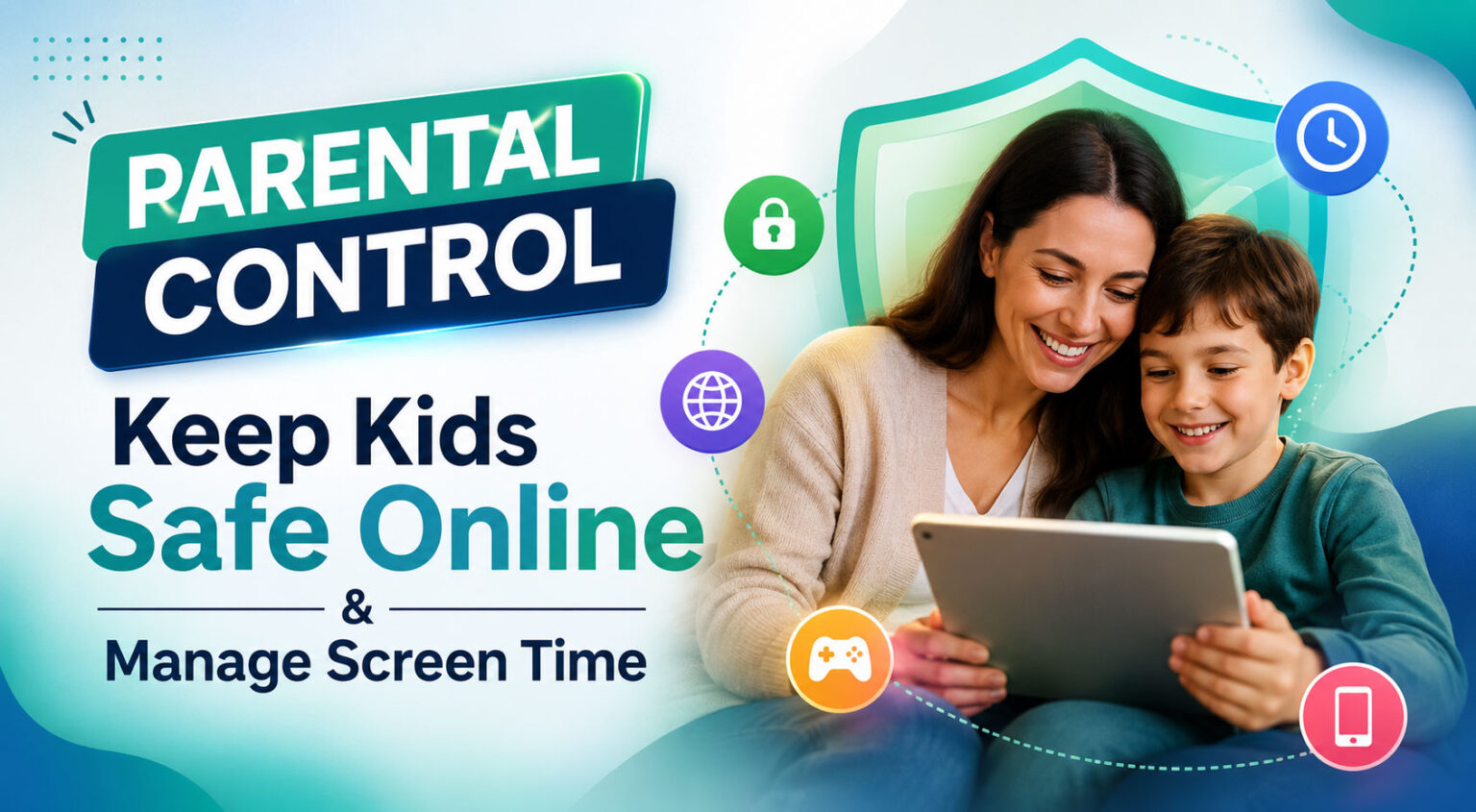
Kids are spending more time online than ever. Phones, tablets, computers, games, YouTube, and social media are now a normal part of everyday life. The problem is that parents cannot always see what their children are doing online or know how much time they are spending on their devices. Simply taking the phone away is not always the answer either. What most parents really need is a simple way to set boundaries while still allowing their children to use technology.
This is where Qustodio Parental Control can help. Qustodio is a digital wellbeing and parental control service that lets parents manage screen time, filter websites, block apps and games, monitor activity, and use location features from one dashboard. It works across platforms including Android, iPhone and iPad, Windows, Mac, Chromebook, and Kindle.
If you're looking for a way to manage your family's digital habits, you can check Qustodio Parental Control here and see which plan works best for your family.
What Is Qustodio?
Qustodio is designed to give parents more control over how their children use connected devices. Instead of installing different applications for screen-time limits, website filtering, location monitoring, and activity reports, Qustodio brings many of these features together in one place.
The idea is fairly simple. Parents install Qustodio on the devices they want to manage and then use the parent dashboard to set rules and view activity. Depending on the device and plan, parents can set daily limits, create screen-free schedules, block inappropriate websites and apps, monitor supported social activity, and receive reports and alerts.
Qustodio also offers a free plan and premium plans. Its current Premium options include different device limits and additional safety features, so families can choose a package based on the number of devices they need to manage.
You can explore the latest Qustodio plans and features here before deciding which option is right for you.
Why Parents Need Parental Control Software
Parents don't need to watch their children's screens every minute. In fact, that would be almost impossible. Children use several devices throughout the day, and many online activities happen when parents are busy with work or other responsibilities.
A parental control app gives parents a practical way to create basic rules. For example, you might want your child to stop using the internet at bedtime, limit gaming during school days, or block websites that are not appropriate for their age.
Qustodio allows parents to create these kinds of boundaries. Its screen-time tools can set daily usage allowances, restricted times, and app-specific limits. Parents can also pause internet access when they want a quick break from screen time.
The goal is not necessarily to watch everything a child does. It is more about creating healthy digital habits and giving parents useful information when they need it.
Manage Your Child's Screen Time
Screen time is probably one of the biggest reasons parents look for parental control software. A child may start watching one video or playing one game and suddenly spend several hours on the device.
Qustodio gives parents tools to set daily screen-time allowances and schedules. You can decide when devices should be available and when it is time for a break. App-specific limits can also be used where supported.
This can be useful for families that want a simple routine. For example, parents might allow more screen time on weekends while keeping weekday usage shorter. Bedtime can also become a screen-free period.
If managing screen time is your main reason for looking for a parental control app, you can try Qustodio and explore its screen-time features.
Block Websites, Apps, and Games
The internet has a huge amount of useful information, but not everything online is suitable for children. Qustodio includes web filtering that allows parents to block inappropriate websites and create a safer browsing environment.
Parents can also manage apps and games on supported devices. This can be useful when a particular game or application is taking up too much of a child's time or is not suitable for their age.
Another useful feature is app insights. Qustodio can provide information about the apps children use, helping parents understand what is installed on their devices and whether an app may need attention.
You can see all Qustodio parental control features here and check which features are available for your child's particular device.
Monitor Online Activity
Sometimes parents don't need to block anything. They simply want to understand how their child is using the internet.
Qustodio provides a dashboard where parents can view supported activity such as browsing history, YouTube activity, screen time, social activity, and location. It can also provide daily and weekly reports so parents don't have to constantly check the dashboard.
This can be particularly useful when you have older children who need more independence but still require some guidance. Instead of checking their device manually, parents can use the information provided by the app to start a conversation when something looks concerning.
The idea is to combine technology with parenting rather than trying to replace parenting completely.
Location Monitoring for Families
Another feature that many parents may find useful is location monitoring. Qustodio can show supported family members on a map and allow parents to save important places such as home or school. It can also provide notifications when a family member arrives at or leaves a saved location.
This can be useful for older children who travel to school, sports activities, or other places on their own. Instead of repeatedly calling and asking where they are, parents can check the location feature when needed.
Of course, location monitoring should be used responsibly. Parents should also talk to their children about why these features are being used. A healthy conversation can make parental controls feel more like a safety tool and less like constant surveillance.
If family location is important to you, check Qustodio's location and family safety features before choosing a plan.
Calls, Messages, and Social Activity
Online communication is another area that can be difficult for parents to manage. Children may use messaging apps and social platforms that parents don't always understand.
Qustodio provides monitoring features for calls and SMS on supported platforms, along with social monitoring for certain services. The exact features depend on the operating system and platform. For example, Qustodio's official feature page notes that some iOS calls and messages functionality requires a Windows or Mac computer.
The service can also provide alerts related to concerning activity on supported social platforms. These tools are intended to help parents notice potential problems such as bullying or unsafe conversations.
Because features vary between Android, iOS, Windows, Mac, Chromebook, and Kindle, it is a good idea to check the compatibility information before purchasing.
Qustodio Plans and Pricing
Qustodio offers both free and paid options. The free version provides basic parental control functionality, while Premium plans add more advanced features and broader device management.
At the time of checking, Qustodio's official site lists a Basic Premium plan at $59.95 per year for five devices and a Complete plan at $104.95 per year for up to 25 devices. The site also offers Care Plus as an additional service or includes it with certain plans. Pricing and promotions can change, so check the official page before purchasing.
Qustodio is also currently promoting a 10% discount with the code QUST10 on its special promotion page. Availability and terms should be confirmed at checkout.
You can check the current Qustodio offer and pricing here before purchasing.
Qustodio Pros and Cons
Like any parental control application, Qustodio has advantages and limitations.
Pros
- Easy-to-use parent dashboard
- Screen-time limits and schedules
- Website filtering
- App and game blocking
- Location monitoring
- Activity reports
- Social monitoring on supported platforms
- Calls and SMS monitoring on supported devices
- AI-powered alerts
- Works across multiple operating systems
- Free plan available
Cons
- Some advanced features require a Premium plan.
- Features can vary depending on the child's device.
- Parents should check platform compatibility before purchasing.
- Some monitoring features may require additional setup.
Is Qustodio Worth It?
For parents who want more control over their children's digital habits, Qustodio is a strong option. It brings several useful tools into one service instead of making parents manage separate applications for screen time, web filtering, location, and activity reports.
The biggest advantage is probably the combination of screen-time management and online safety tools. Parents can set reasonable limits while still allowing children to use their devices for school, entertainment, and communication.
It is also useful that Qustodio supports several major platforms, including Android, iOS, Windows, Mac, Chromebook, and Kindle. However, parents should always check the specific features available for their child's device before buying.
If you're ready to give it a try, visit Qustodio and check the latest plan or offer.