
PDF files have become a normal part of everyday work. We receive contracts, invoices, forms, reports, applications, and other documents in PDF format almost every day. Reading a PDF is easy, but things become a little difficult when you need to edit something, add a signature, fill out a form, or combine several files into one document.
This is where PDF Expert by Readdle can make life easier. It is designed to handle many common PDF tasks from one application. You can read documents, edit text, add notes, sign files, organize pages, convert documents, and work with scanned PDFs. It is available for Apple devices, including Mac, iPhone, and iPad.
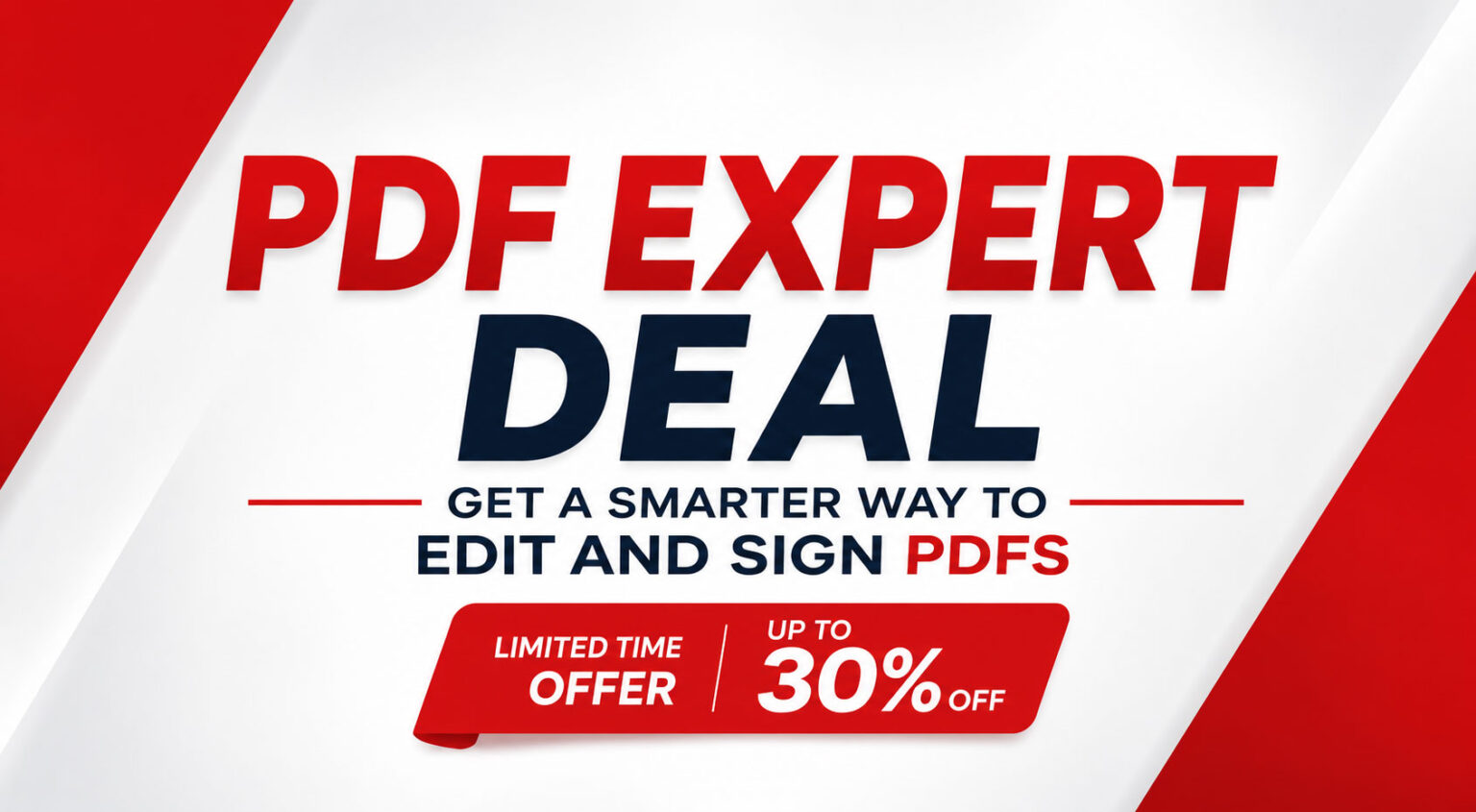
If you regularly work with PDF documents, you can check the latest PDF Expert deal here and see whether it fits your needs.
What Is PDF Expert?
PDF Expert is a PDF reader and editor developed by Readdle. The software is built for people who want to do more with their PDF files instead of simply opening and reading them.
You can use it to edit text, add annotations, highlight important information, sign documents, manage pages, and convert files. It also includes OCR tools for working with scanned documents.
The main advantage is convenience. Instead of using one application to read a PDF, another website to sign it, another tool to merge pages, and another service to convert it, many of these jobs can be handled in PDF Expert.
For someone who works with documents regularly, having everything in one place can save quite a bit of time.
Explore PDF Expert and its current offer here.
Edit PDF Text Easily
One of the main reasons people look for a PDF editor is simple: they need to change something inside an existing document.
With PDF Expert, you can edit text directly inside supported PDF documents. You can correct mistakes, update information, and make changes without having to recreate the entire document from the beginning.
This can be especially useful for business documents. Imagine receiving a PDF with an old phone number or a small spelling mistake. Instead of going back to the original document and creating a new PDF, you can make the necessary change directly.
It is a small feature, but when you work with PDFs often, these little time savings add up.
Sign Documents Without Printing
Printing a document just to sign it can feel unnecessary today. You print it, sign it, scan it again, and finally email it back. PDF Expert makes this process much simpler.
You can add electronic signatures to supported PDF documents directly from your device. On iPad, you can also use Apple Pencil for a more natural handwritten signature experience.
This can be useful for contracts, agreements, applications, invoices, and other paperwork.
If you often receive documents that need your signature, check out the PDF Expert deal here and see what is included in the current plan.
Annotate and Highlight Important Information
Sometimes you don't need to change the actual document. You simply want to mark something important.
PDF Expert includes annotation tools that let you highlight text, add notes, draw on pages, and add comments. This can be helpful for students, teachers, business professionals, consultants, and anyone who needs to review documents.
For example, you could highlight important points in a report before a meeting or add comments to a contract before sending it to someone else.
Organize and Manage PDF Pages
Large PDF documents can become difficult to manage. Sometimes you only need a few pages from a long report, or you may need to combine several documents into one.
PDF Expert provides page management tools that allow you to rearrange, delete, rotate, merge, and split PDF pages.
For example, if you receive three separate PDF files from a client and need to send them back as one document, you can combine them. If a report contains pages you don't need, you can remove them before sharing the file.
Convert PDFs When You Need Another Format
PDF isn't always the best format for every task. Sometimes you need to take information from a PDF and continue working with it in another application.
PDF Expert offers conversion options for supported formats, including Word, Excel, PowerPoint, JPG, and text.
This can save time when you need to move information from one format to another.
Instead of manually copying everything from a PDF, you can use the conversion tools and then check the resulting file before continuing your work.
Work With Scanned Documents Using OCR
Scanned documents can be frustrating because the words inside them are often treated as images rather than actual text.
PDF Expert includes OCR, or Optical Character Recognition, which can recognize text in scanned documents and make it searchable and selectable. Readdle says the OCR feature supports more than 20 languages.
This can be helpful when dealing with old paperwork, scanned receipts, forms, books, or printed documents.
Instead of keeping a scanned document as a simple picture, OCR can make the information much easier to work with.
PDF Expert for Mac, iPhone and iPad
One of the biggest advantages for Apple users is that PDF Expert is designed for the Apple ecosystem.
You can use it on Mac, iPhone, and iPad, making it easier to work with your documents across different devices.
For example, you might receive a document on your iPhone while away from your desk, review it there, and then continue working on your Mac later.
This kind of flexibility is useful for people who work from home, travel frequently, or simply switch between Apple devices throughout the day.
See PDF Expert for Apple devices here.
Who Should Consider PDF Expert?
PDF Expert can be useful for many different people. You don't have to be a professional designer or office worker to benefit from a PDF editor.
It can be a good choice for:
- Freelancers
- Students
- Teachers
- Small businesses
- Consultants
- Lawyers
- Designers
- Remote workers
- Content creators
- Office professionals
- Anyone who regularly works with PDFs
If you only open a PDF once every few months, a basic reader may be enough. But if you regularly edit, sign, organize, or convert documents, having a dedicated PDF application can make things much easier.
Why Use PDF Expert Instead of Online PDF Tools?
There are many free websites that can edit, merge, compress, or convert PDF files. They can be useful when you need to complete a quick task.
But if you work with documents regularly, constantly uploading files to different websites can become inconvenient. You also need to think carefully about what type of documents you upload, especially when they contain sensitive business or personal information.
PDF Expert gives you a dedicated application where many everyday PDF tasks are available in one place.
That means less jumping between websites and fewer tools to remember.
If you want a more complete PDF workflow, take a look at the current PDF Expert offer.
Is PDF Expert Worth It?
Whether PDF Expert is worth buying depends mainly on how often you work with PDFs.
If you occasionally read documents, you probably don't need a dedicated PDF editor. But if you regularly sign contracts, edit documents, annotate reports, organize pages, or convert files, the convenience can make it worthwhile.
The combination of editing, signing, annotation, page management, conversion, and OCR gives you a lot of useful functionality in one application.
For Apple users in particular, the ability to work across Mac, iPhone, and iPad makes the software more attractive.
Before purchasing, it's a good idea to check the current pricing and features because plans and offers can change.